Documents
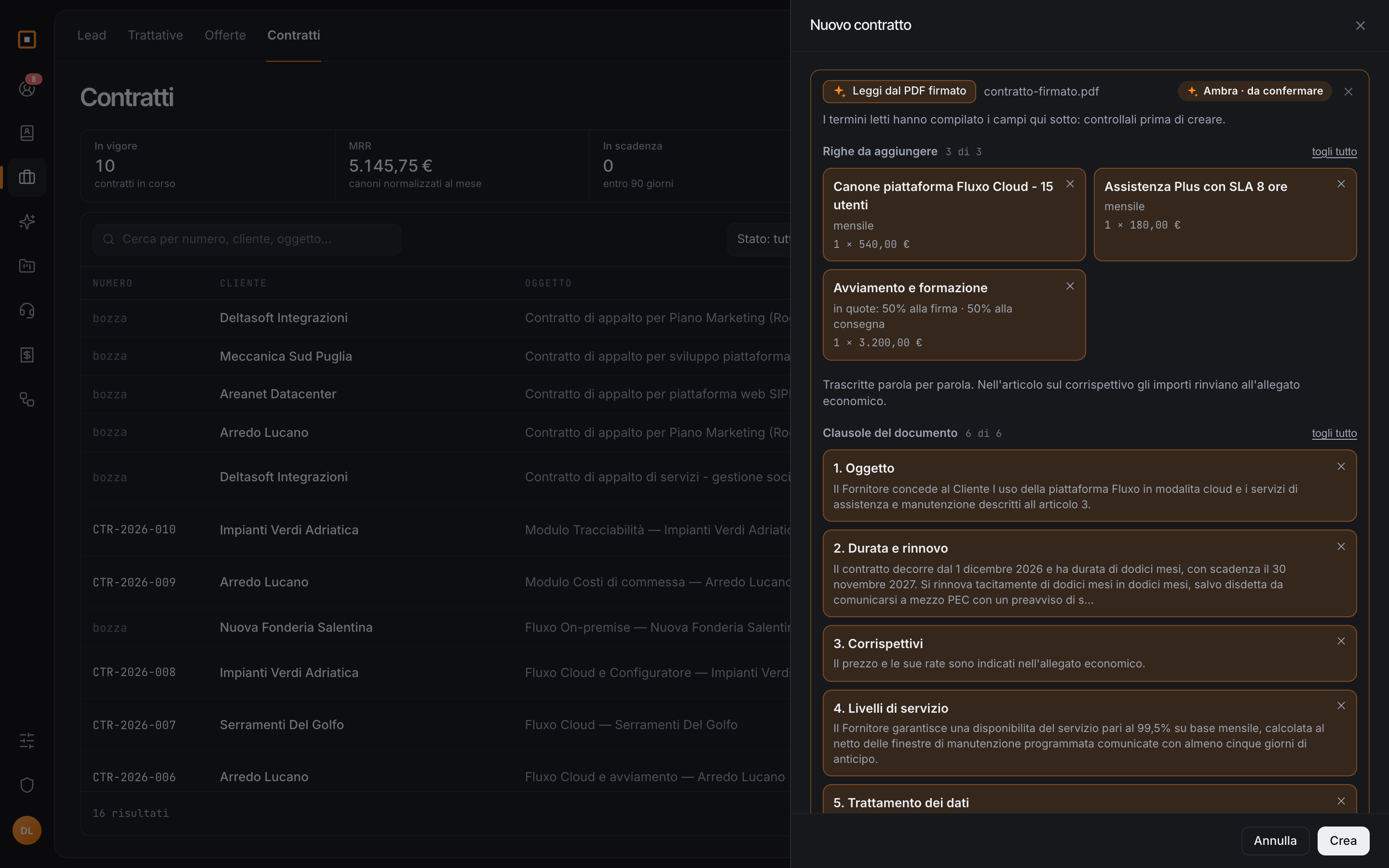
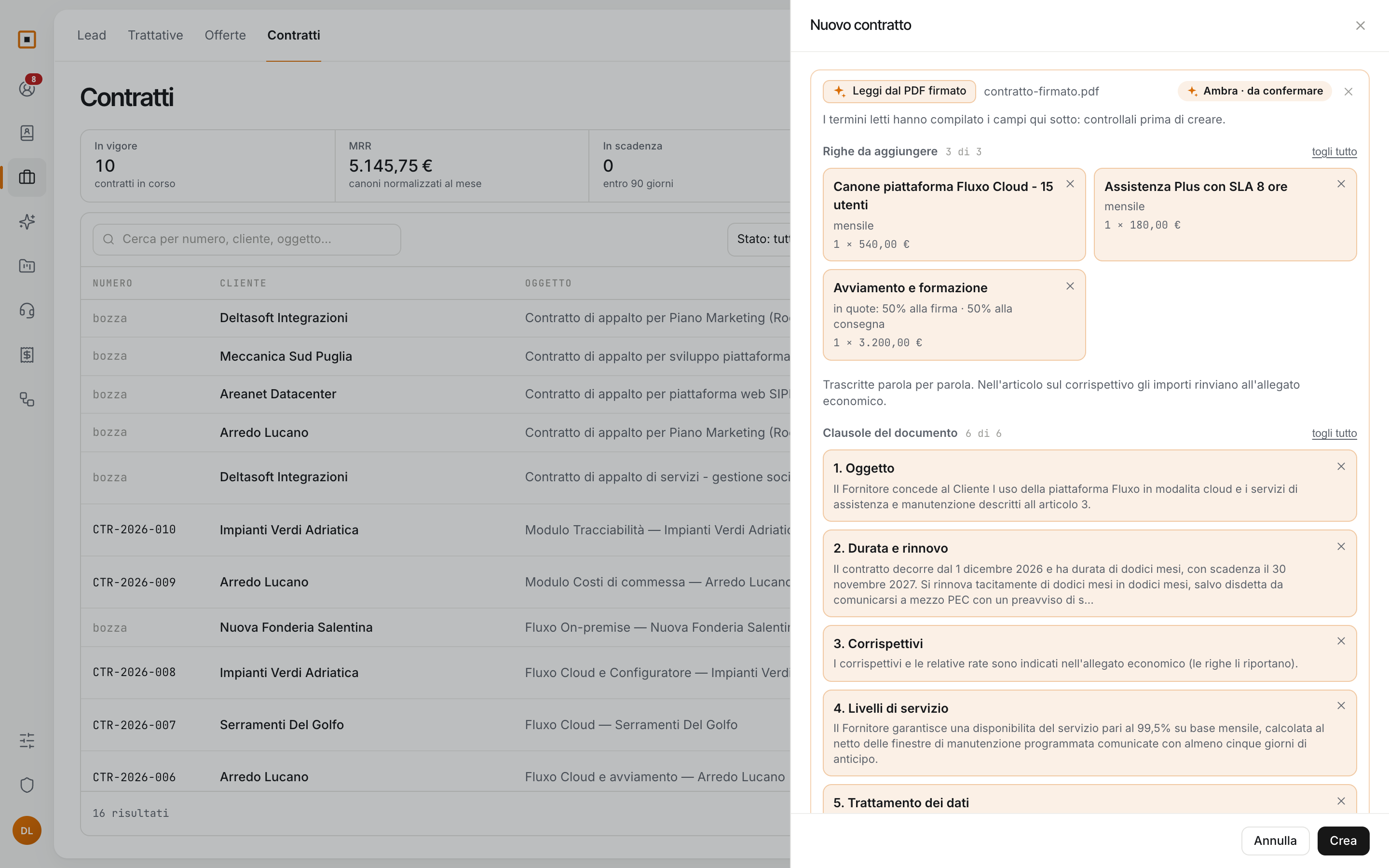
The signed contract, read from the PDF.
Upload the PDF and Ambra pulls out parties, dates, renewal and notice, the lines with their instalments. The articles are transcribed word for word: a contract is not summarised.
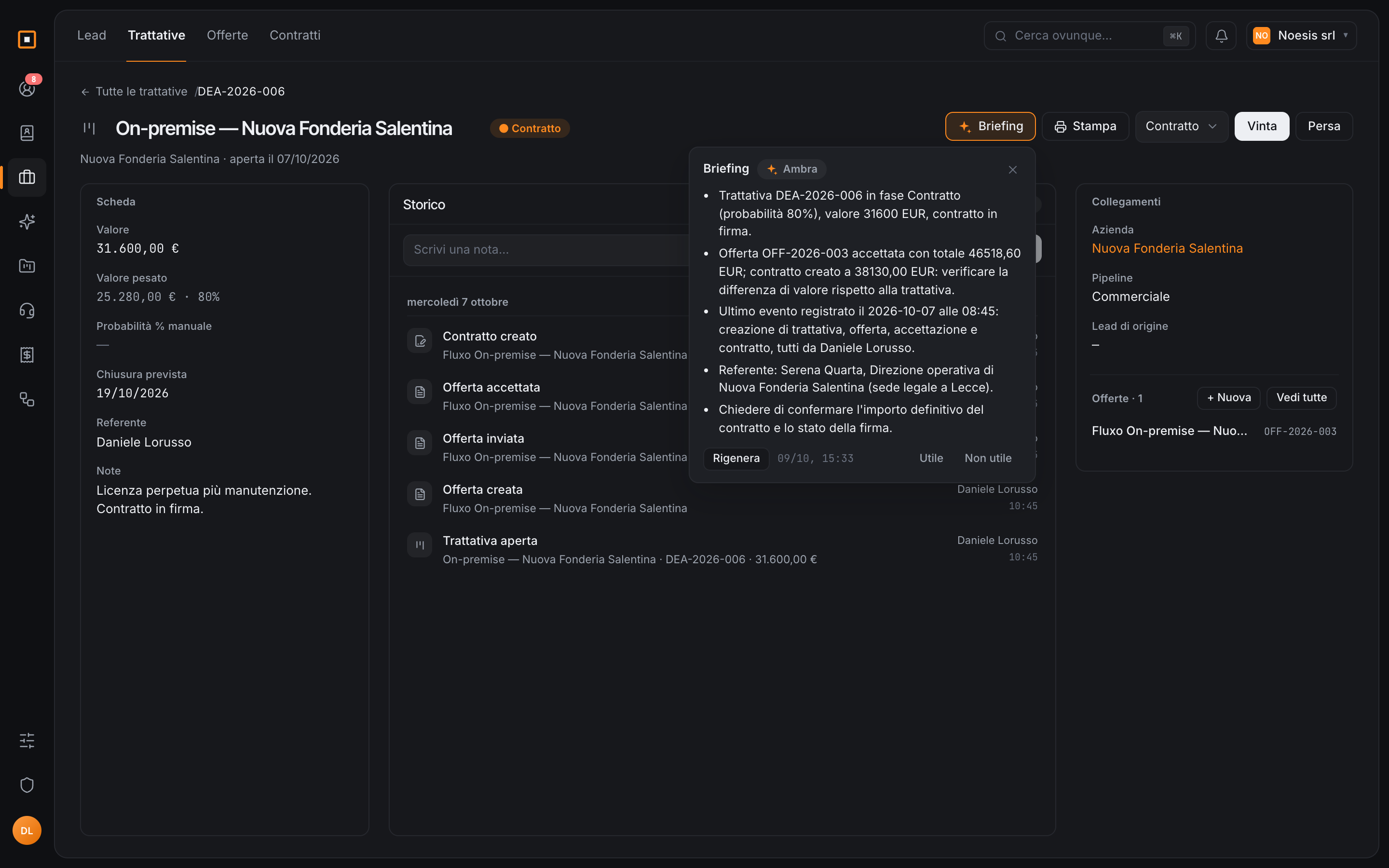
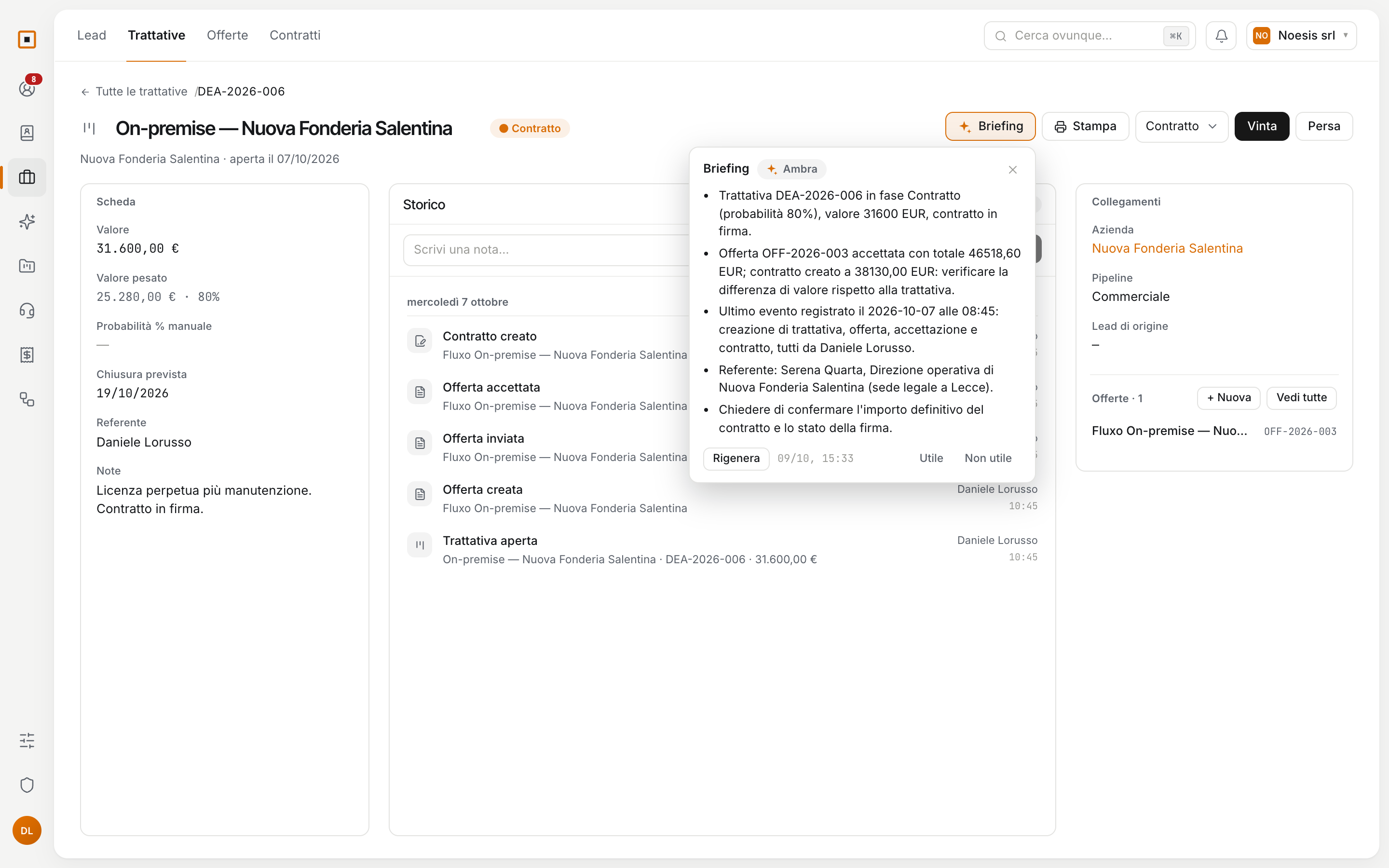
Hakubase's AI triages an incoming ticket, writes a draft, sums up a customer, reads an invoice or a signed contract. Every result is a proposal: you apply it, change it or drop it.
Preview Ambra is in preview: we turn it on workspace by workspace, with the people who want to try it and tell us how it goes. The functions it has today are included in the fee, at no extra cost.
It reads what is in your workspace (the ticket, the deal, the PDF) and writes a proposal.
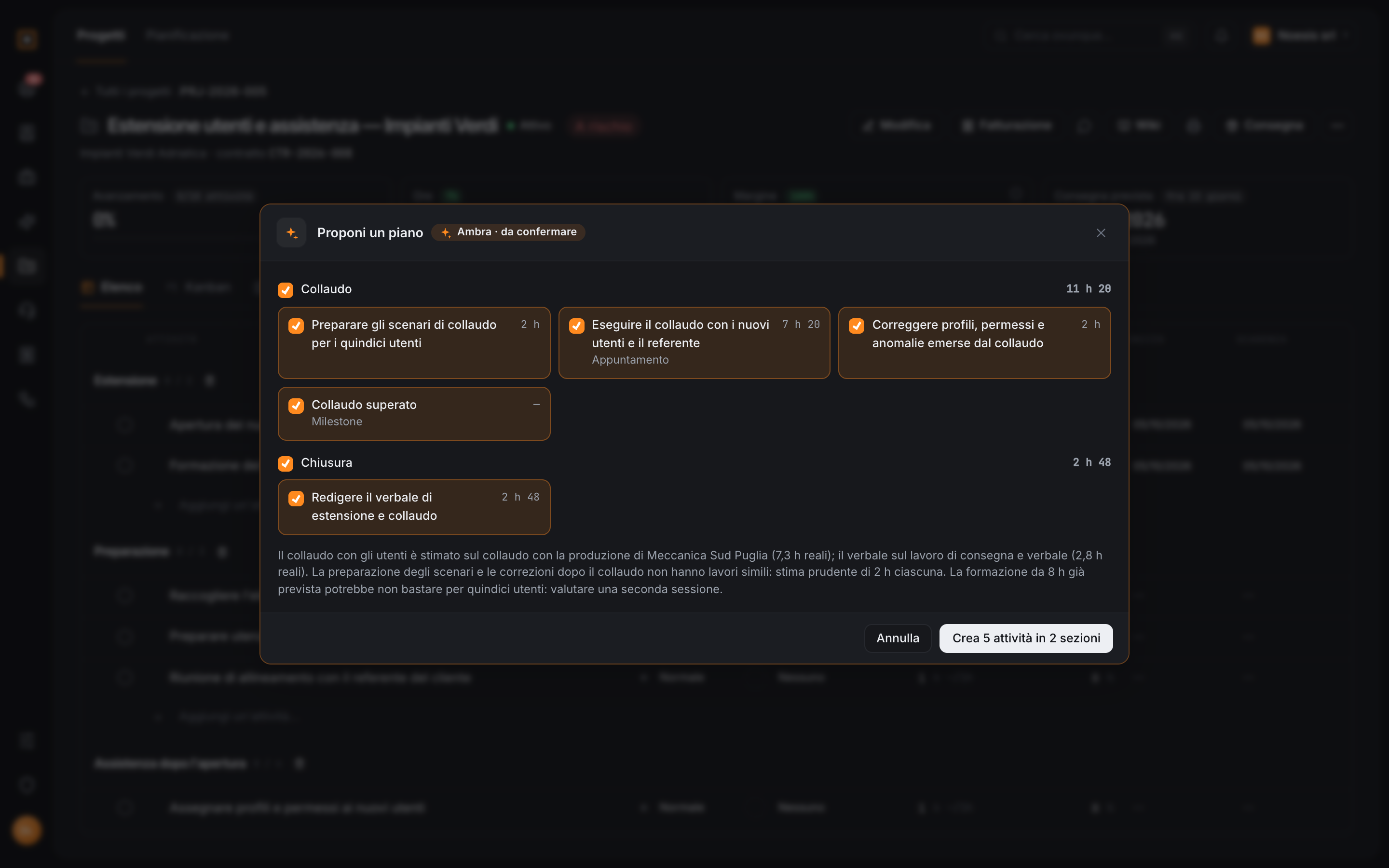
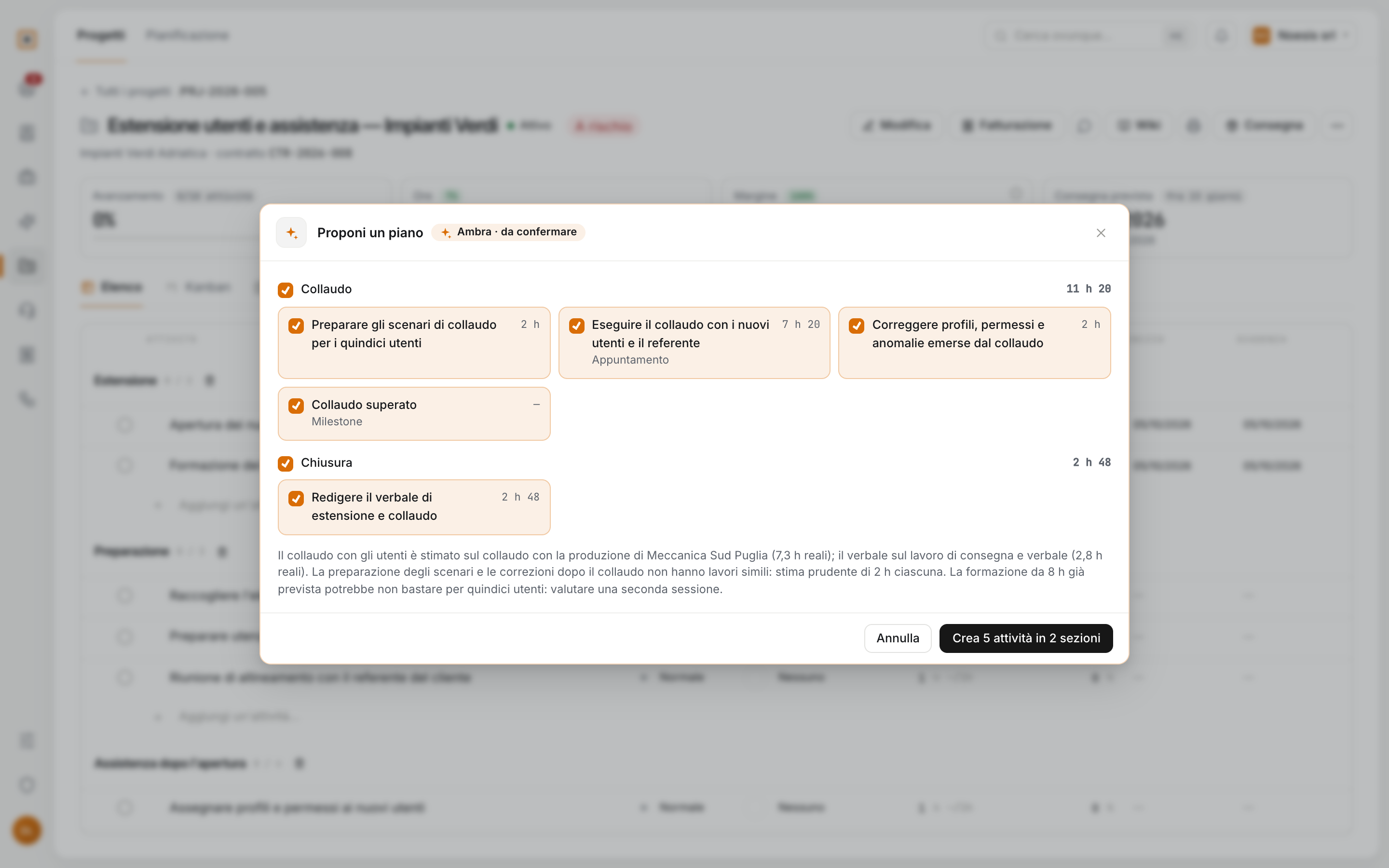
The proposal is labelled «Ambra · to confirm». You correct it item by item, or drop it.
The record is created when you press, with the same button you would use without Ambra.
Upload the PDF and Ambra pulls out parties, dates, renewal and notice, the lines with their instalments. The articles are transcribed word for word: a contract is not summarised.
Sections and tasks with estimates, taken from similar work you have already delivered. Below, Ambra says which project each estimate comes from, and where there is none.
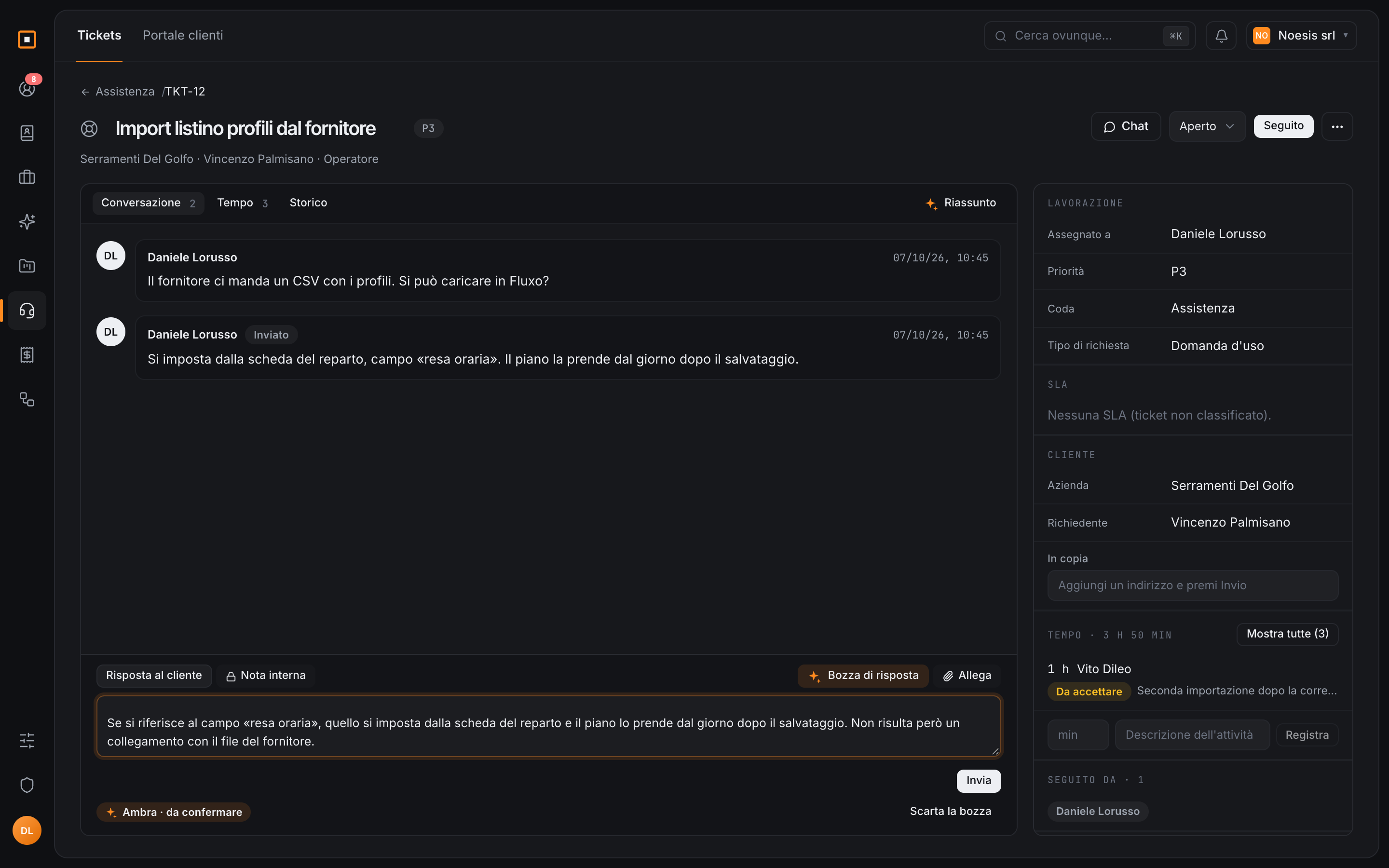
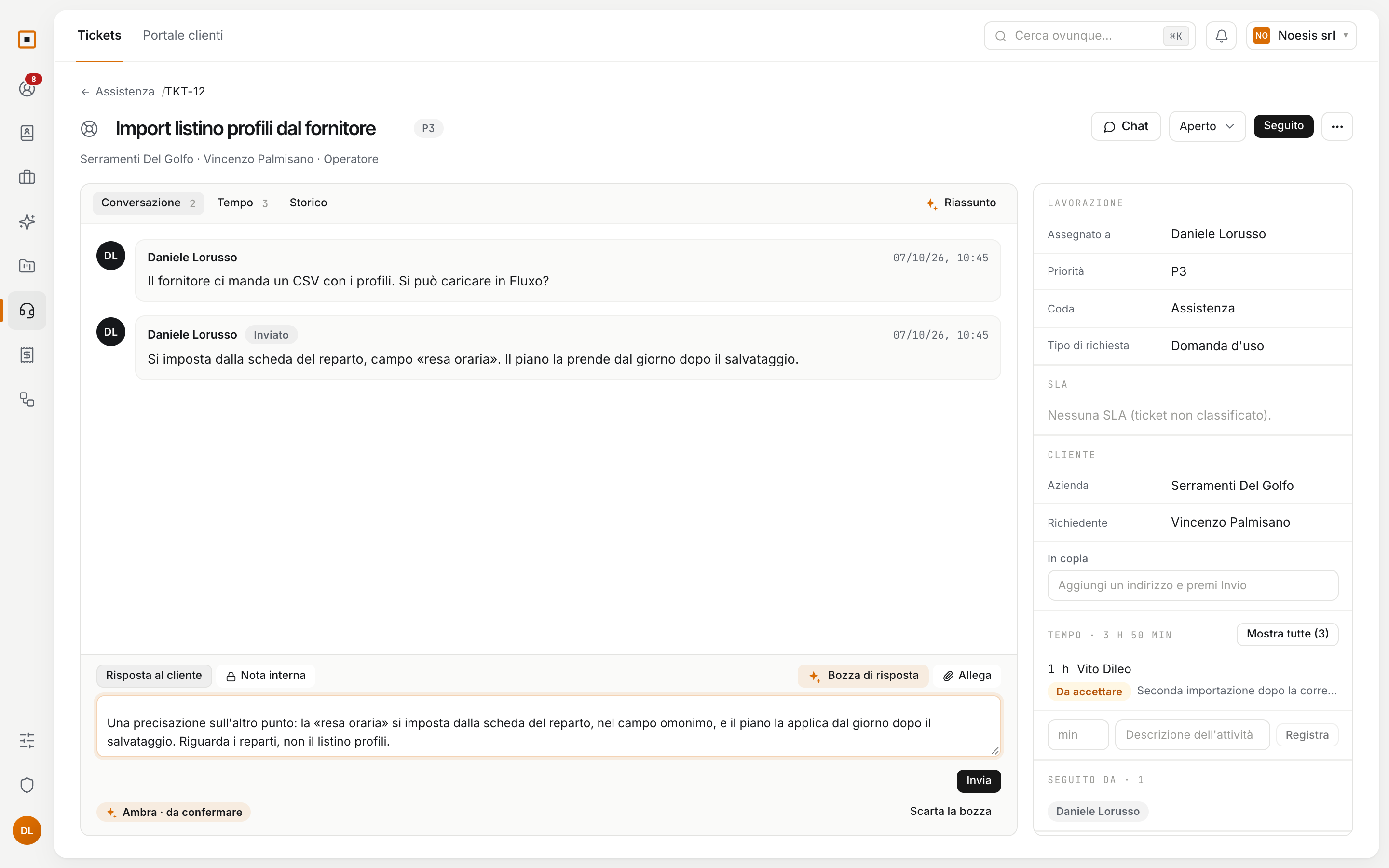
The draft lands in the reply field, in the customer’s language, as if you had written it. You correct it, shorten it, rewrite it: it leaves only when you press Send.
Write what you are looking for and the list filters, with a real filter you can still edit. And when part of the sentence cannot be filtered, Ambra says so instead of pretending.
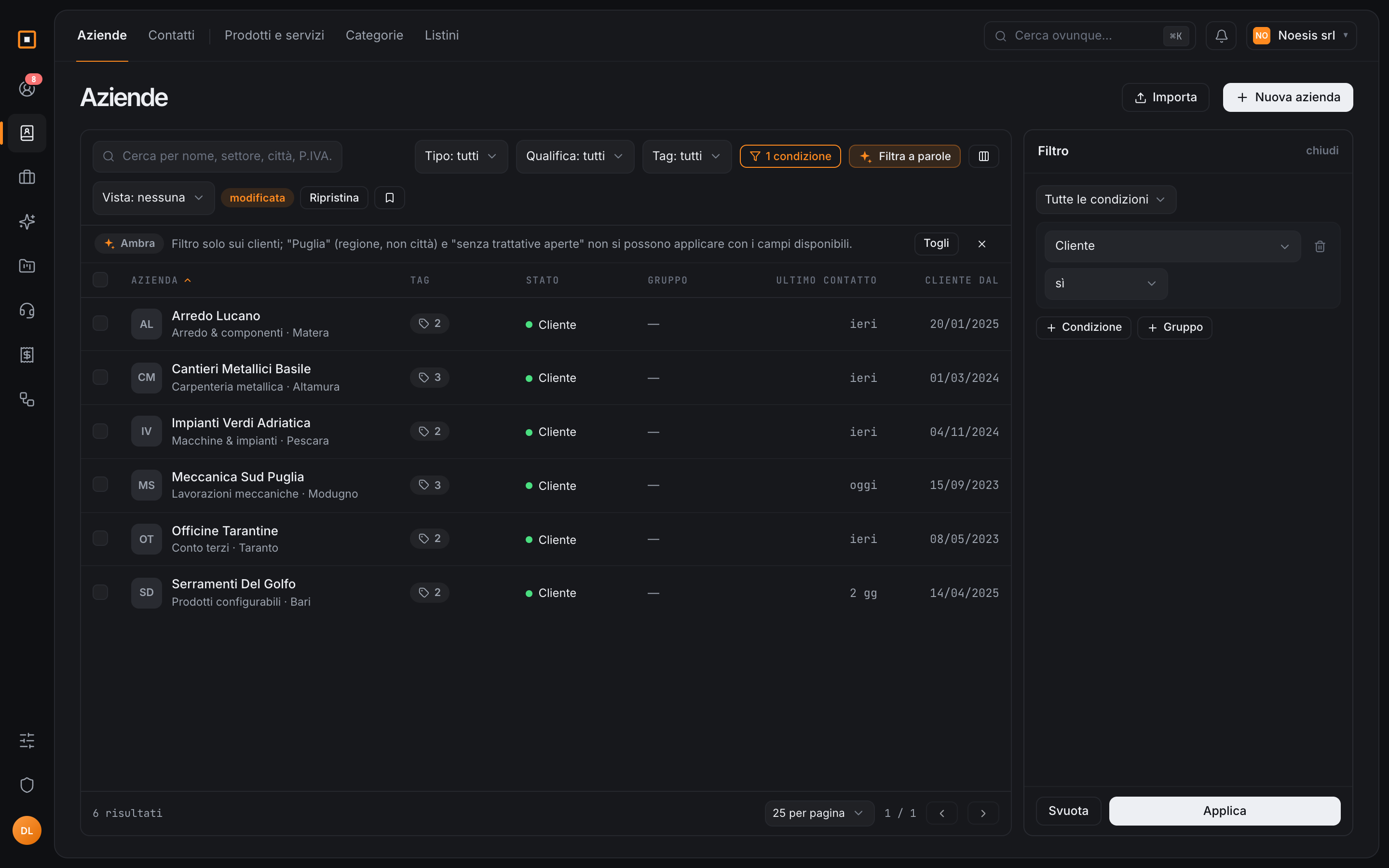
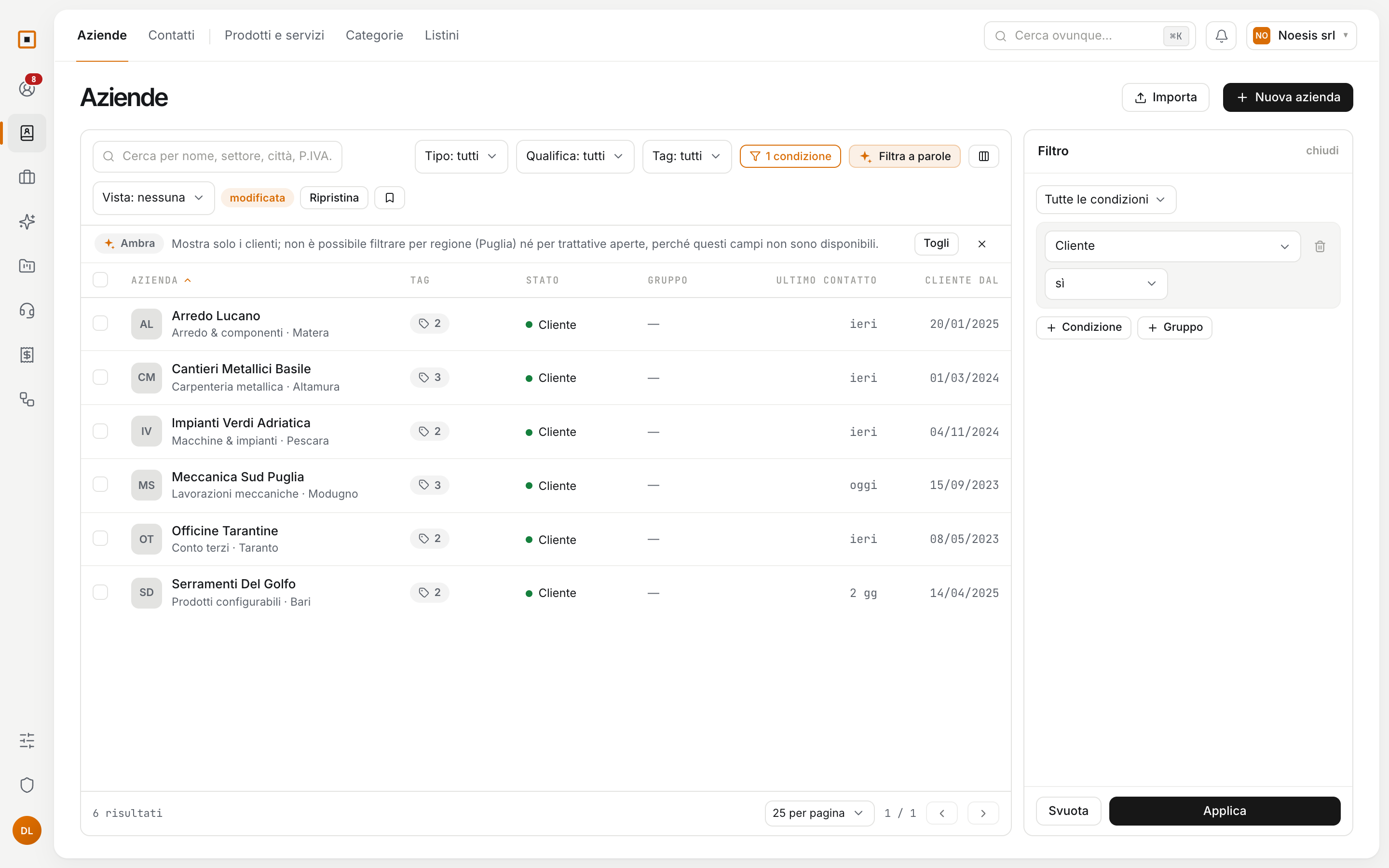
You find it as a button in the ticket you open, the quote you write, the list you filter. Each area has its guide.
The ticket arrives already framed, and the reply has a draft.
What you need before you call, and the lines of a quote.
What arrives as a PDF fills in the fields on its own.
A starting plan from the projects you have already delivered.
Writing the first draft, and translating it.
Finding things in a list, and starting with the workspace set up.
You can open a trial workspace on your own, or write to us and we will show it to you starting from the problem you have.
No newsletter. We only write to set up the demo.