Build your own apps inside Hakubase.
Every company has a part of its work that no software plans for, and that usually ends up in a spreadsheet. With App Studio you build the app you need yourself, from the settings, and find it in the menu next to clients, quotes and invoices.
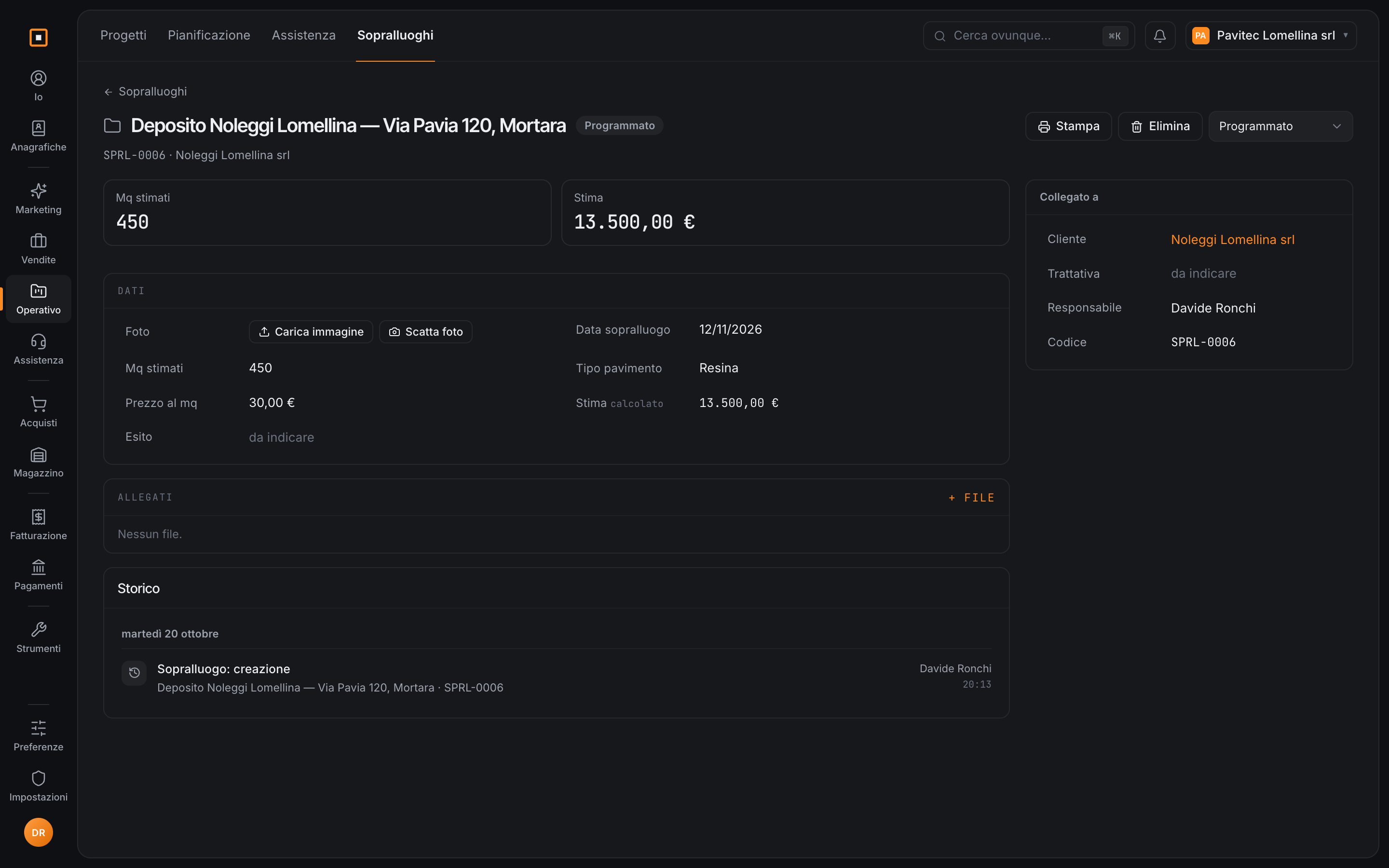
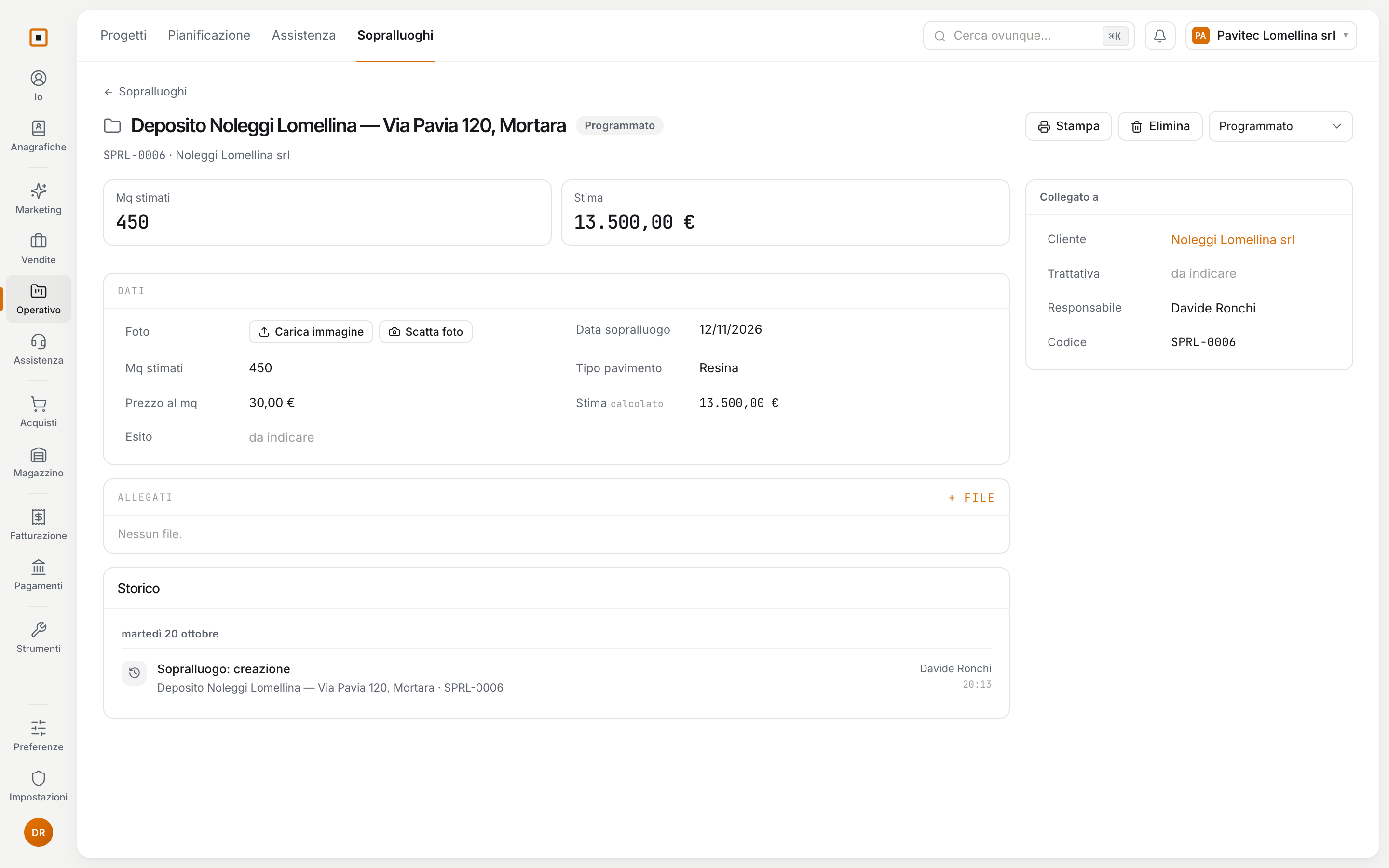
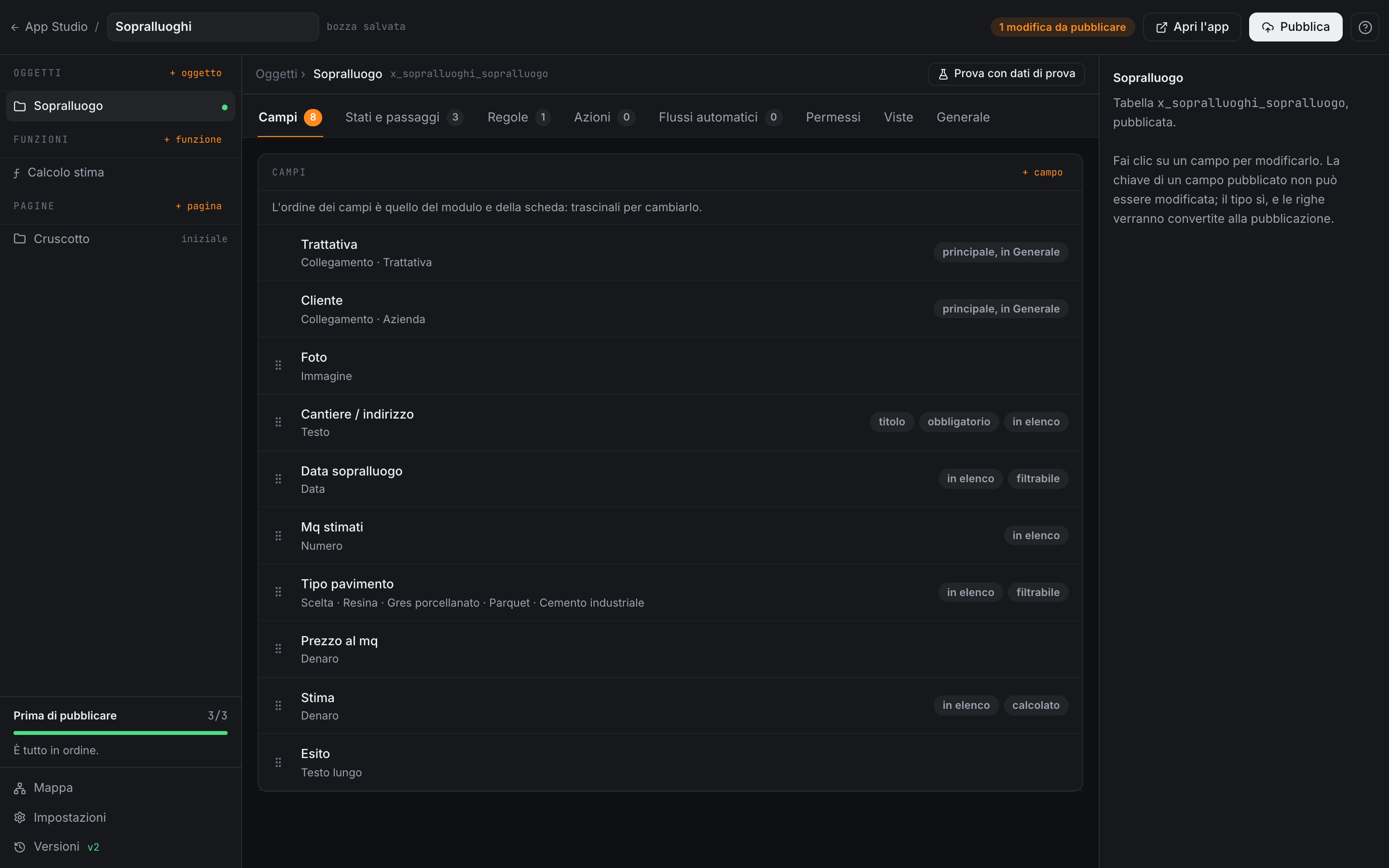
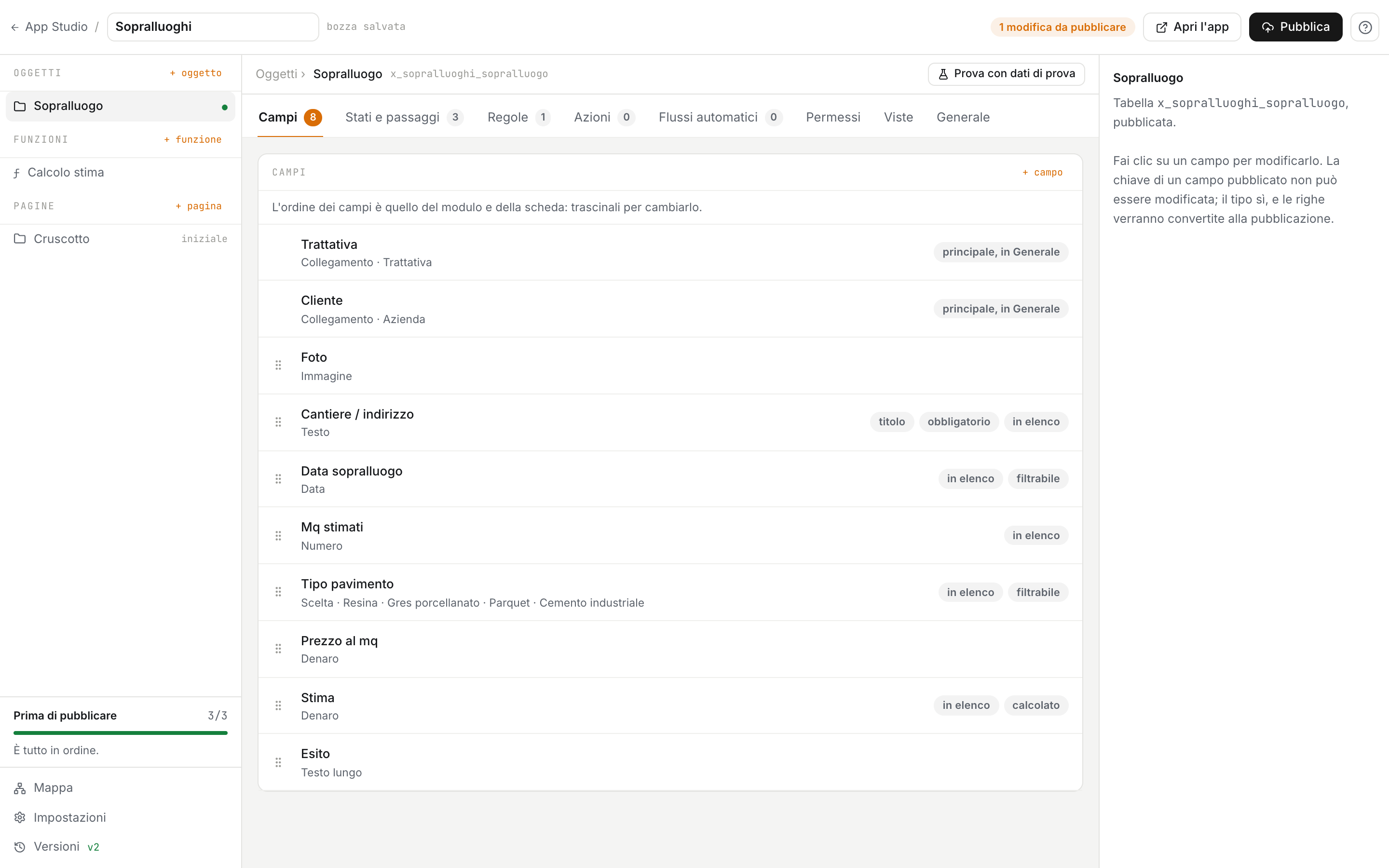
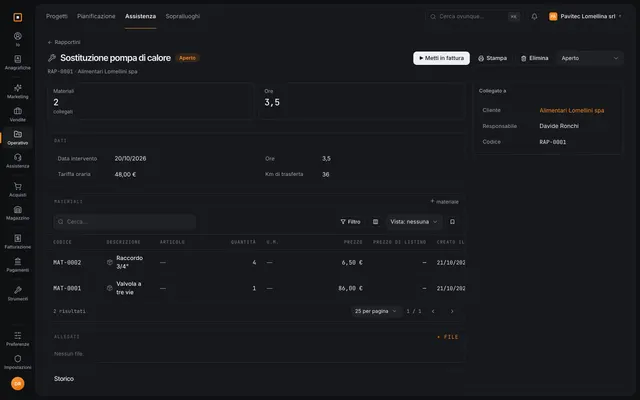
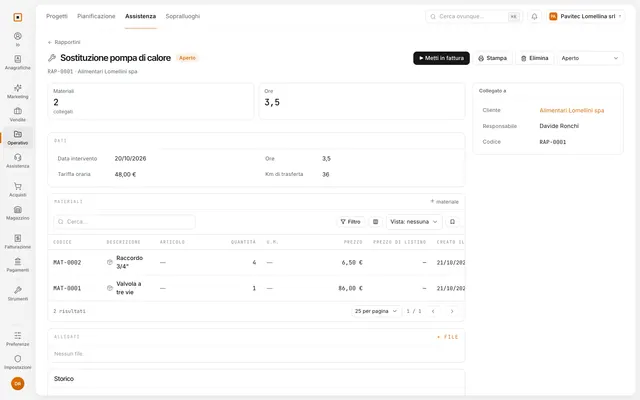
On the left, the fields as you define them in the studio. On the right, the record they produce, with the formula already computed.
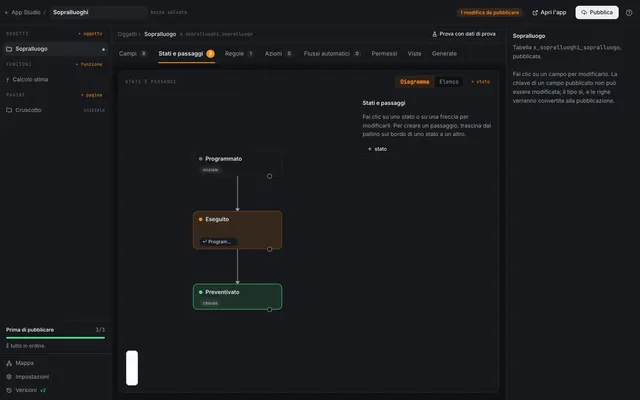
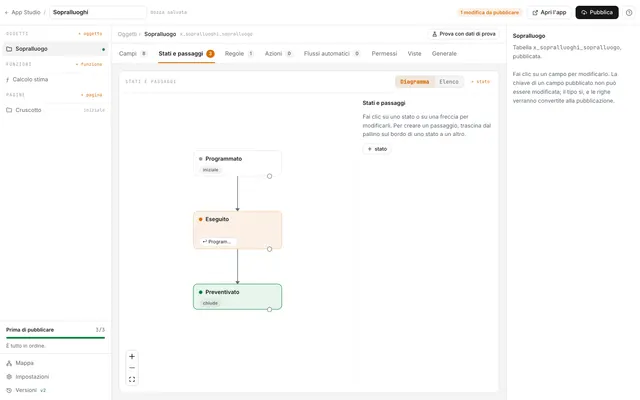
From the studio to the menu.
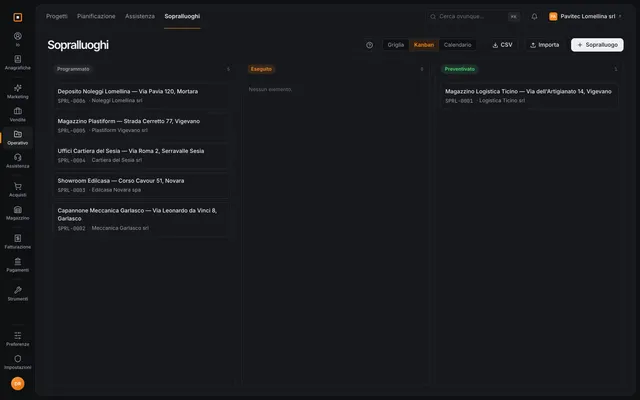
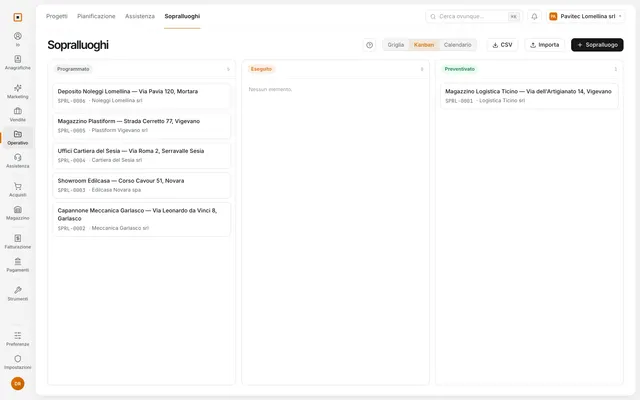
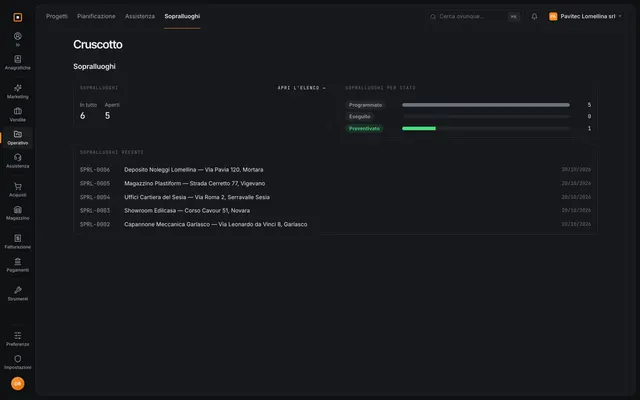
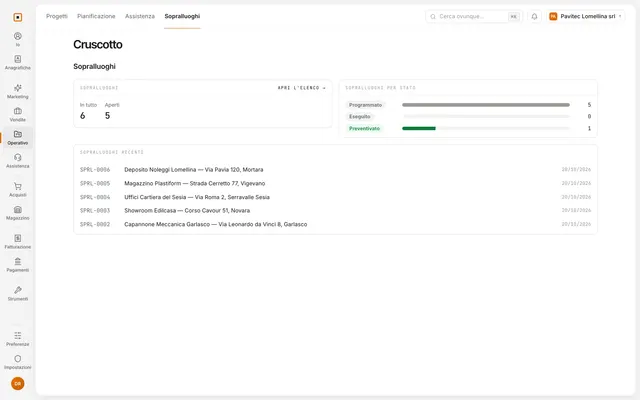
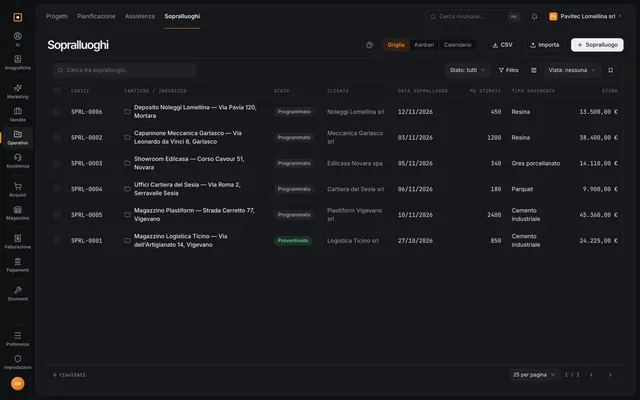
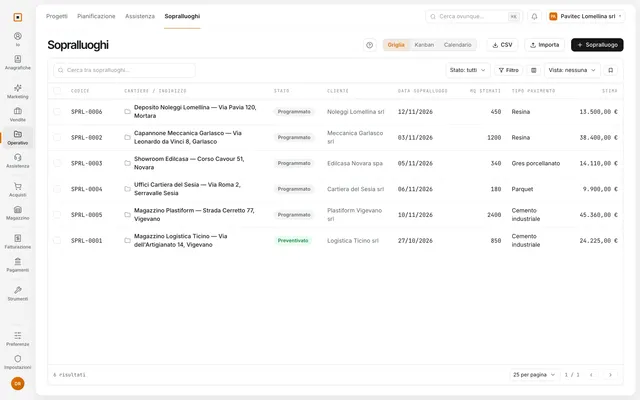
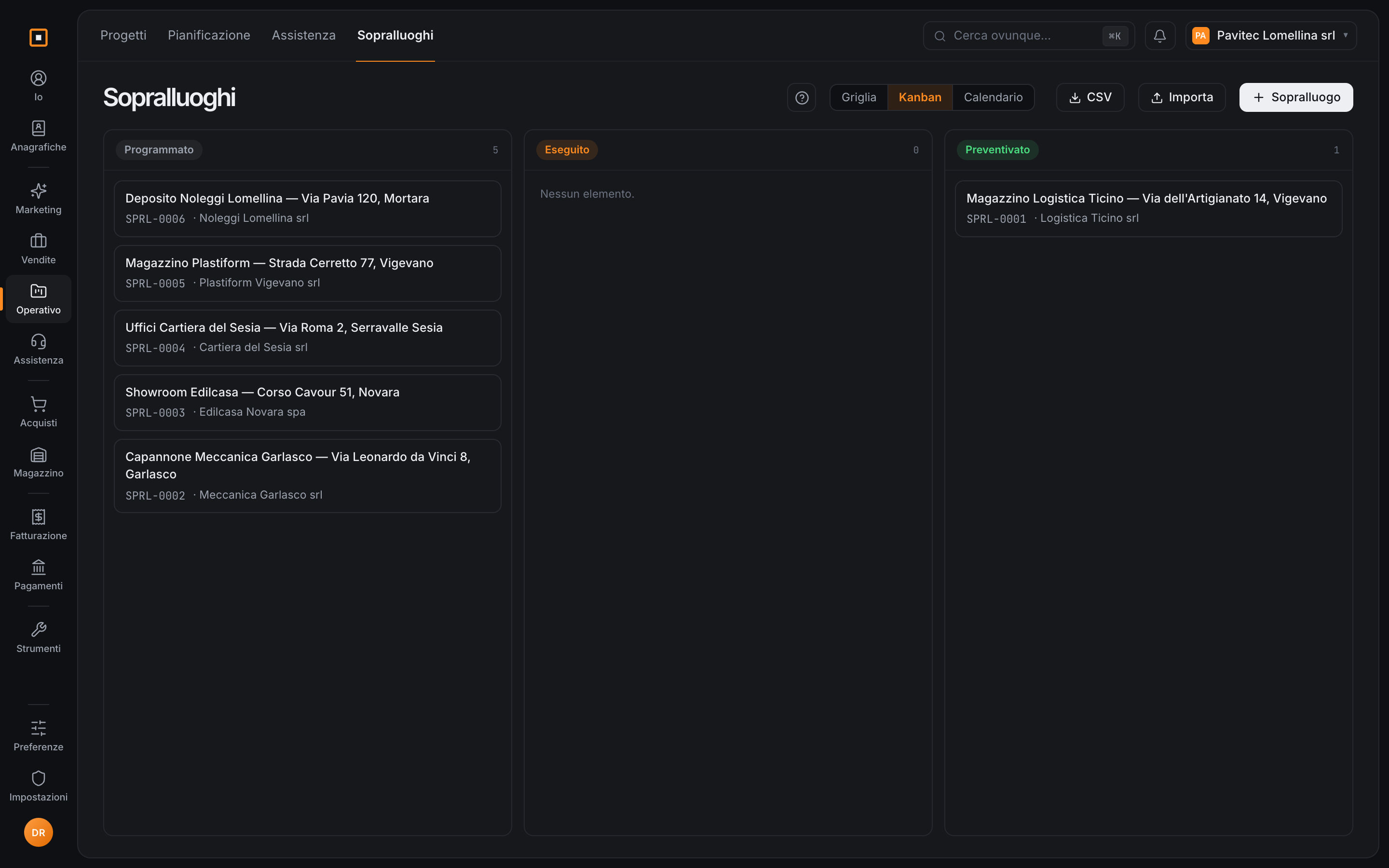
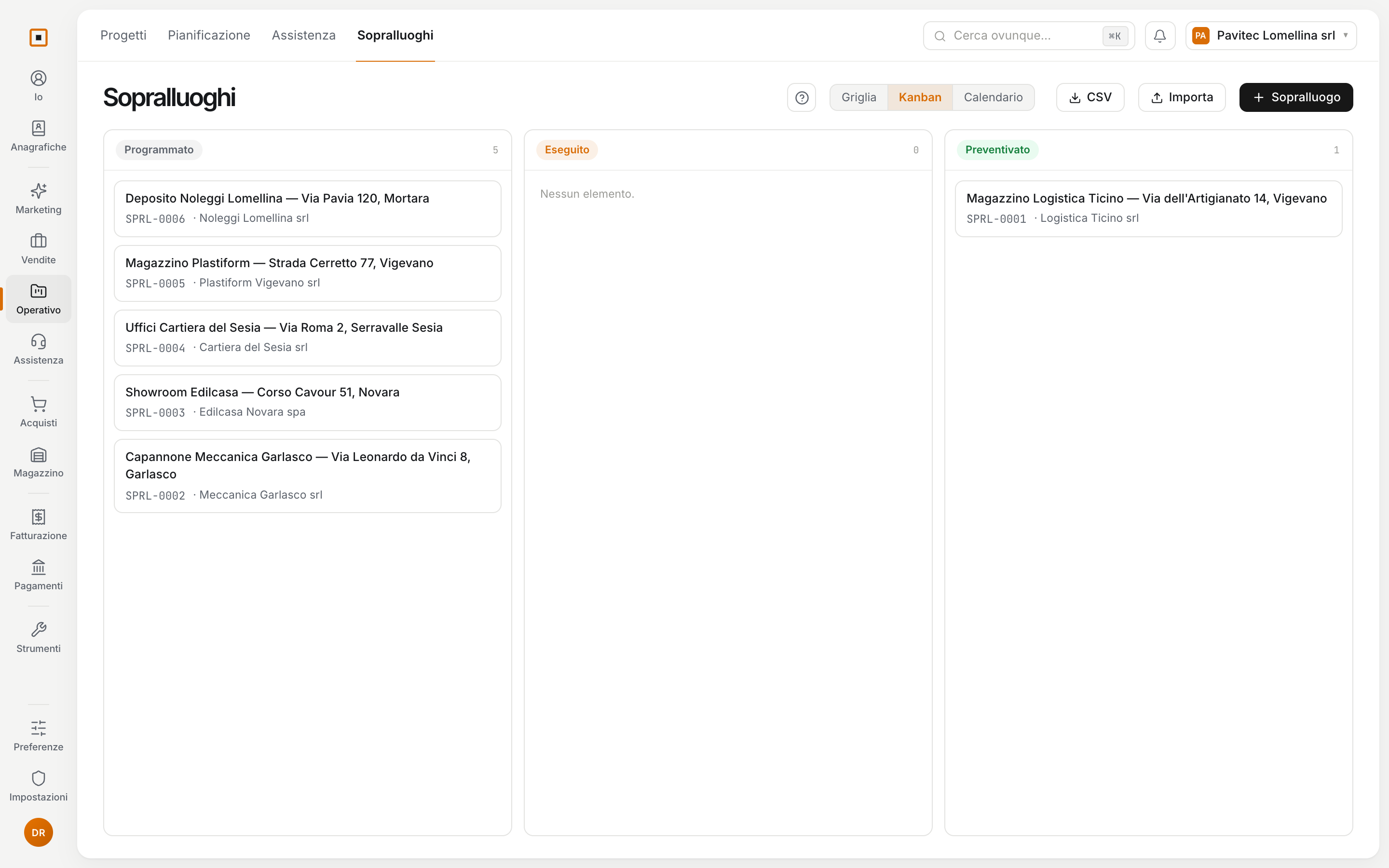
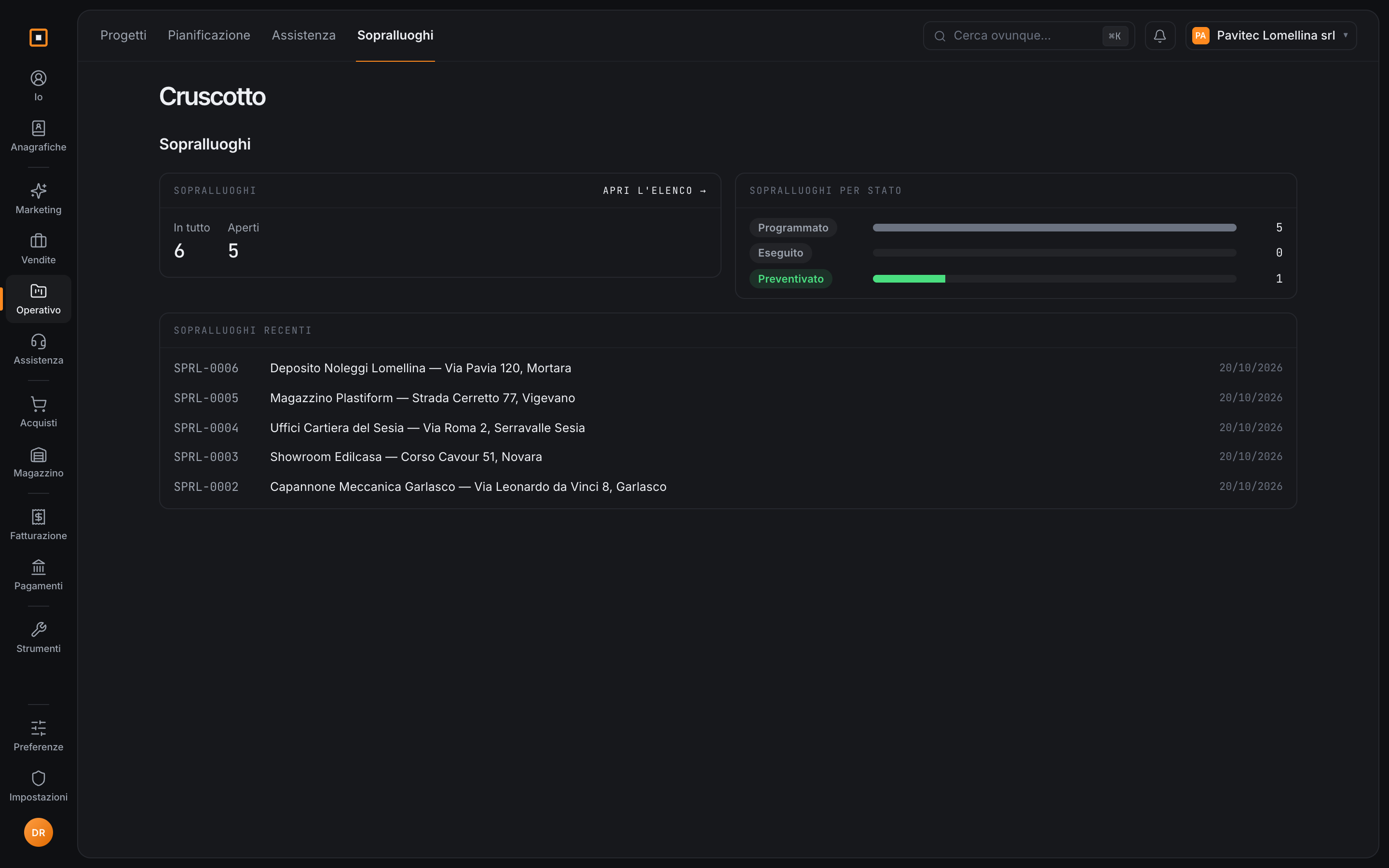
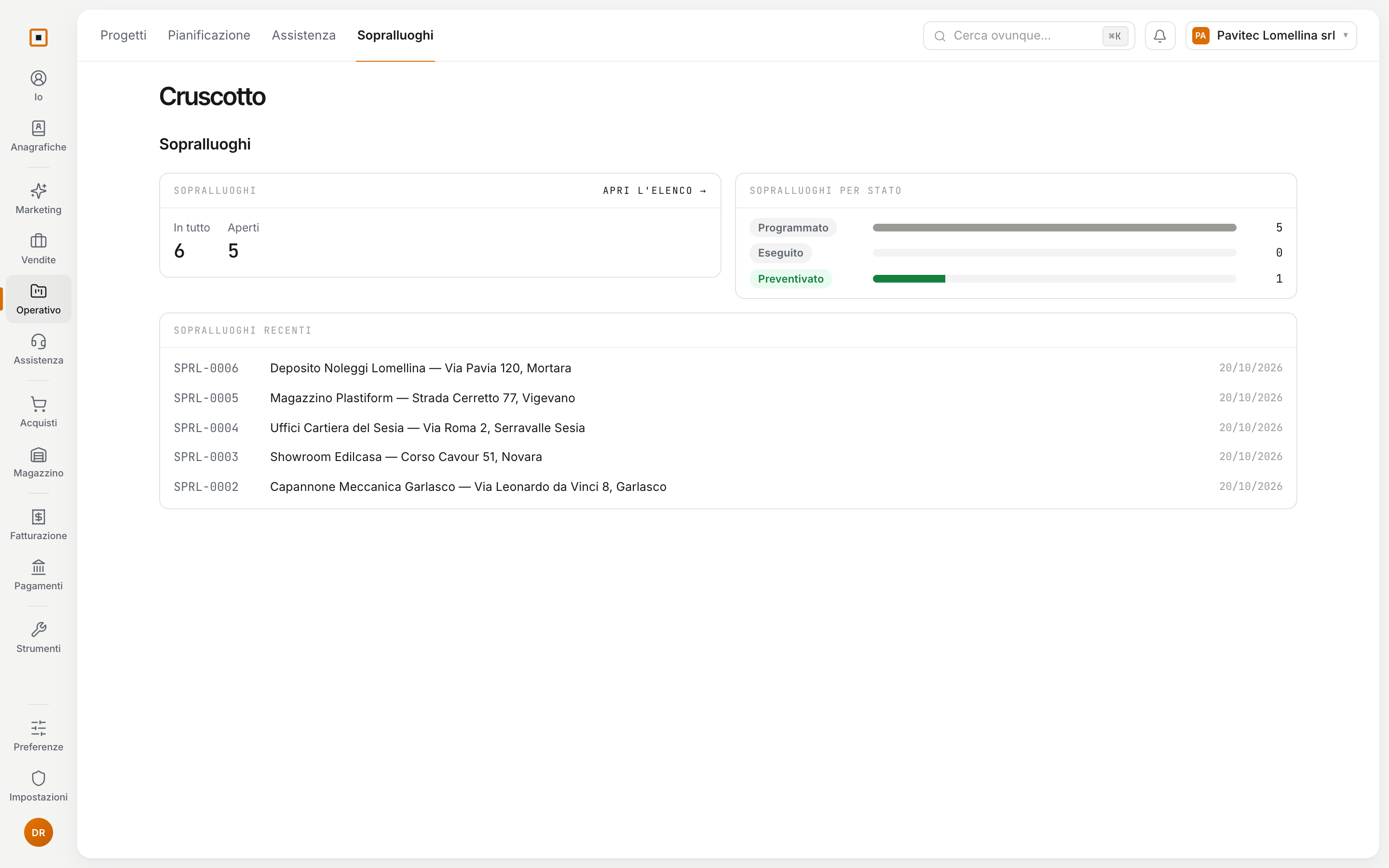
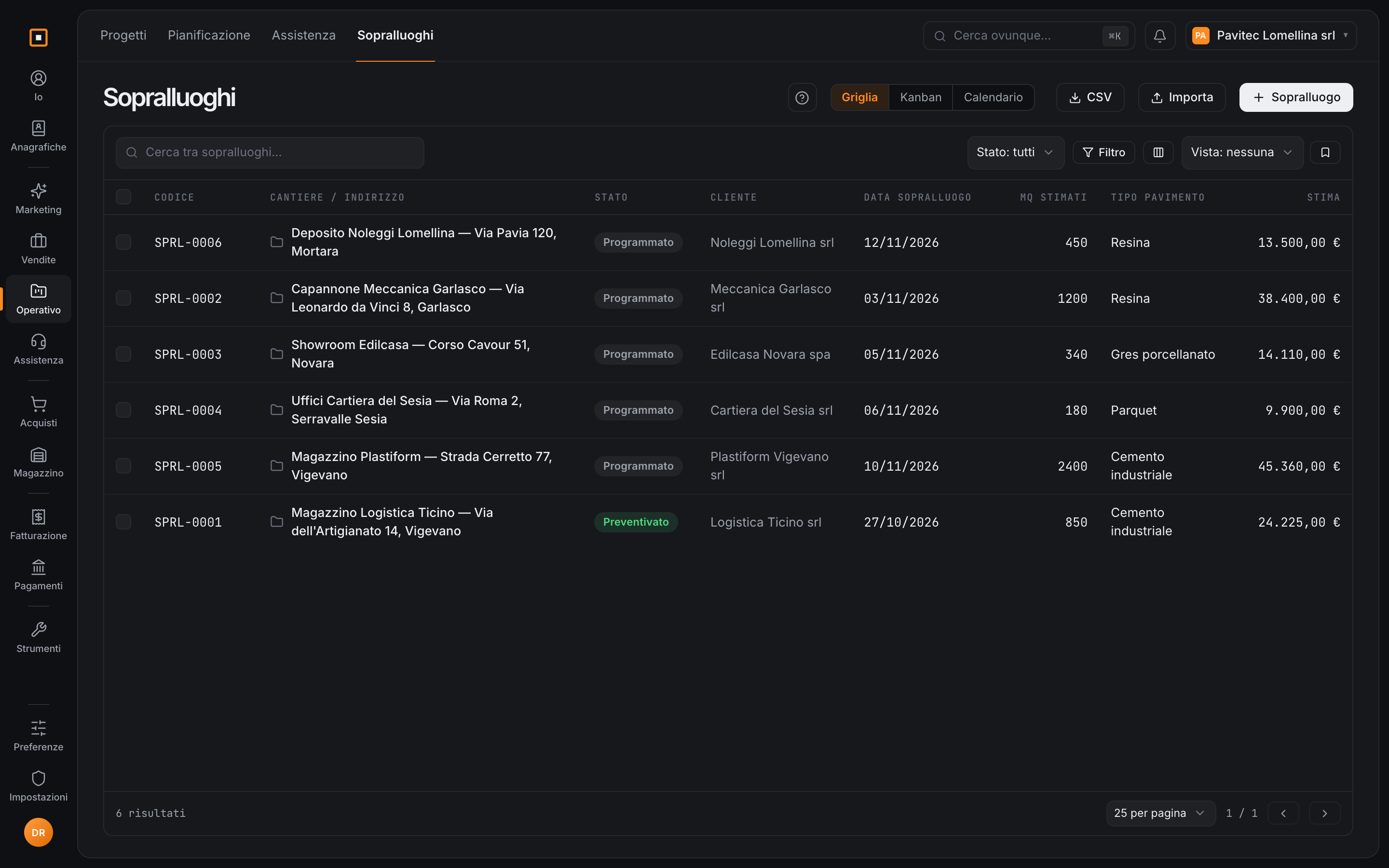
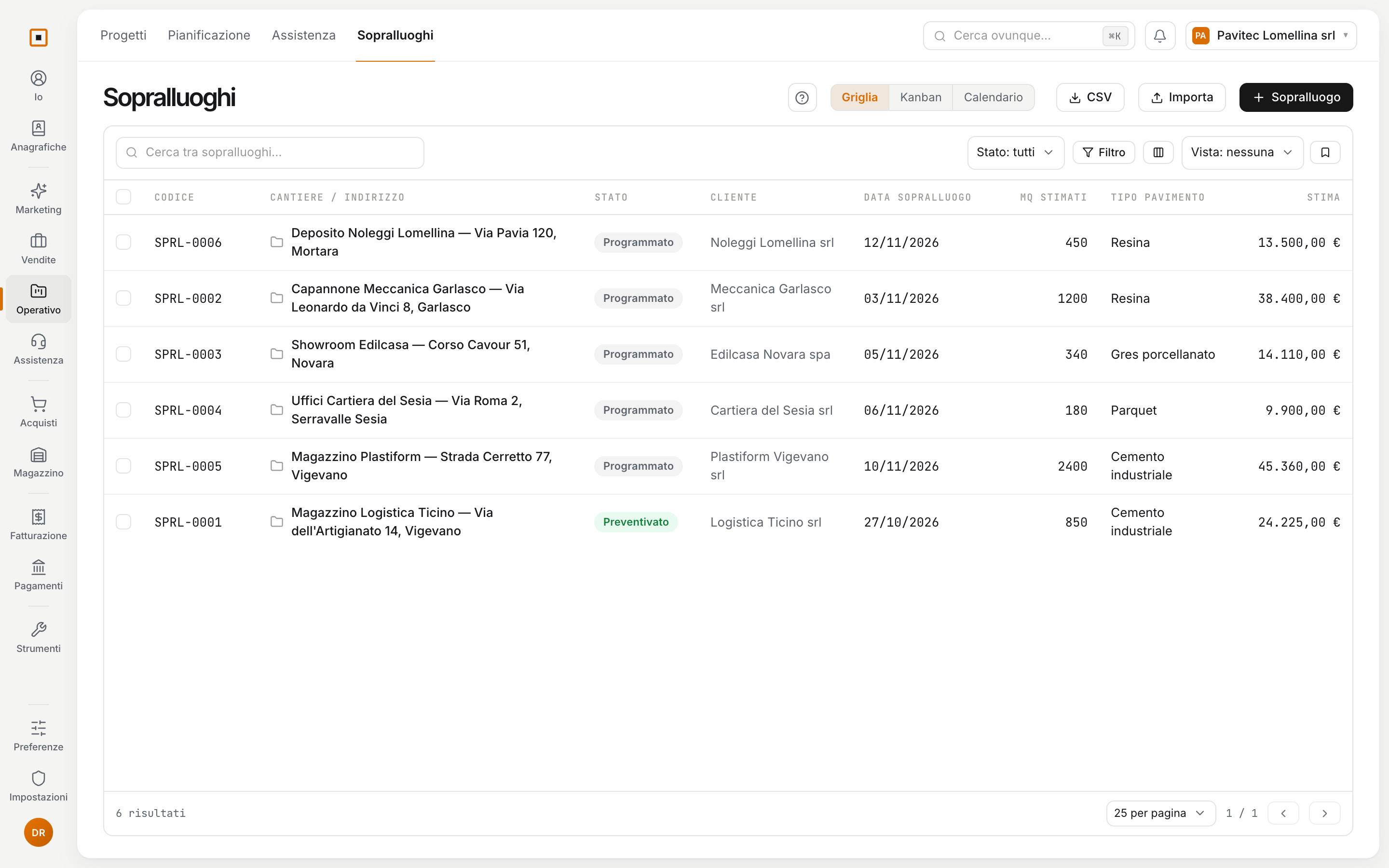
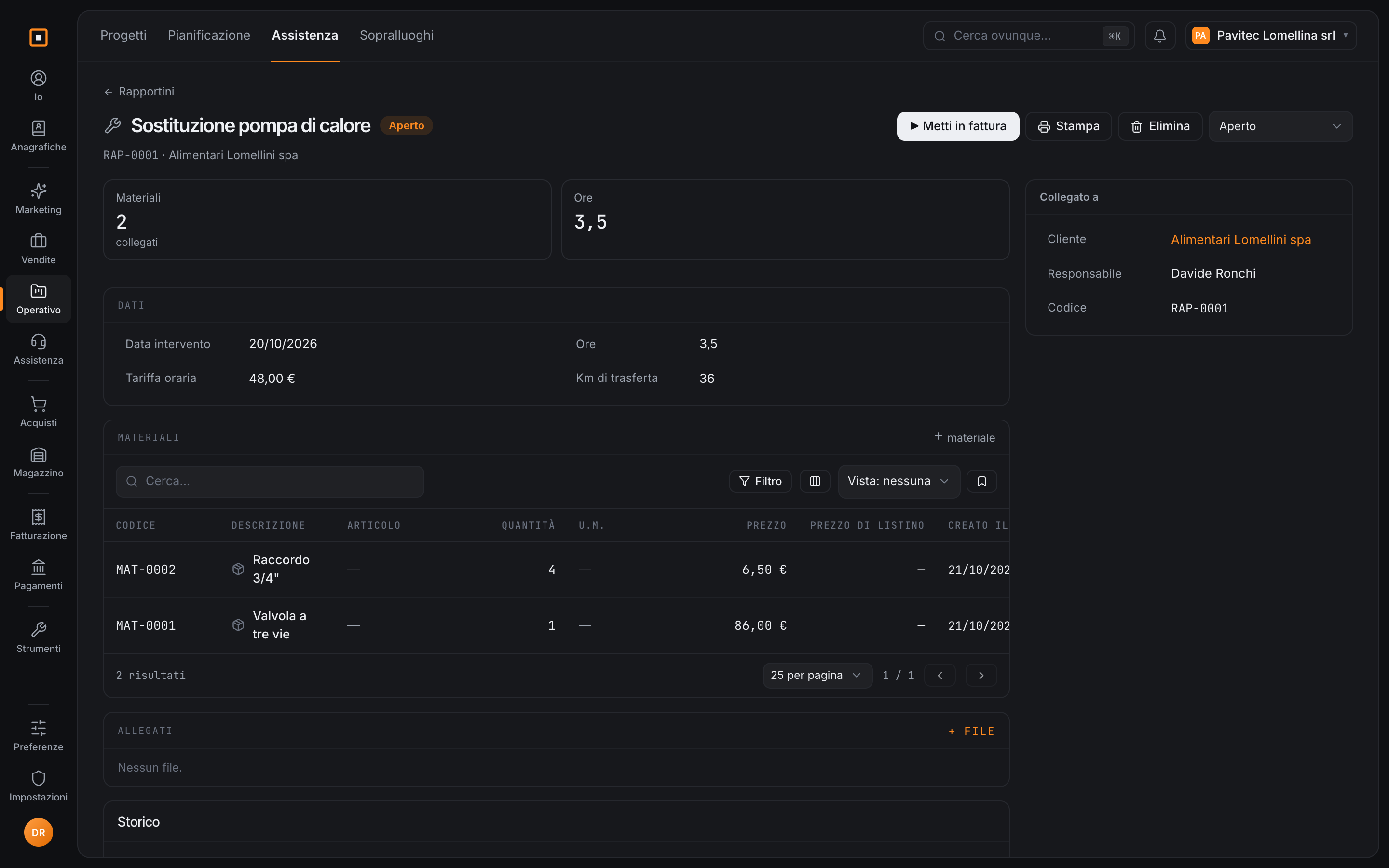
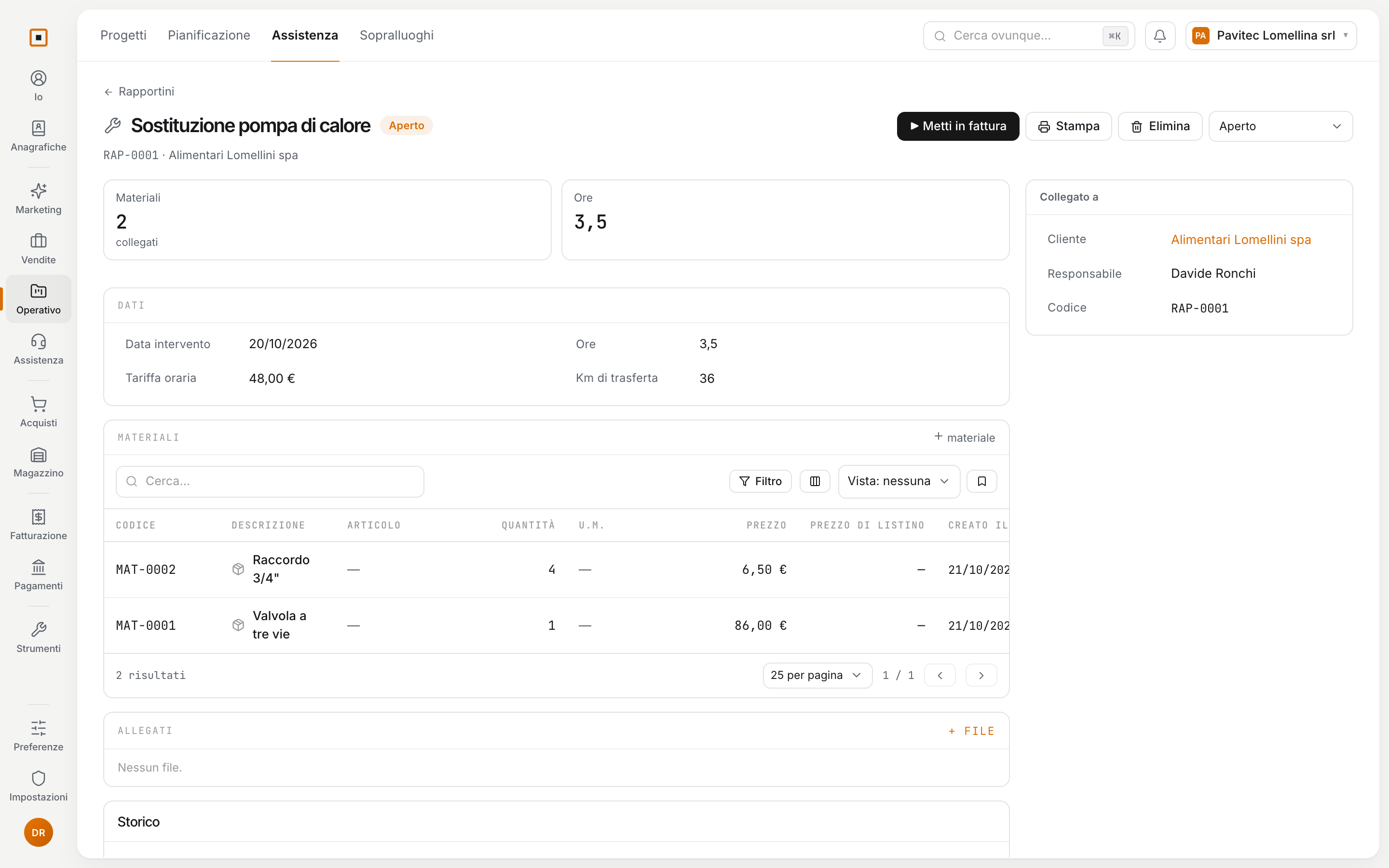
You publish when it is ready.
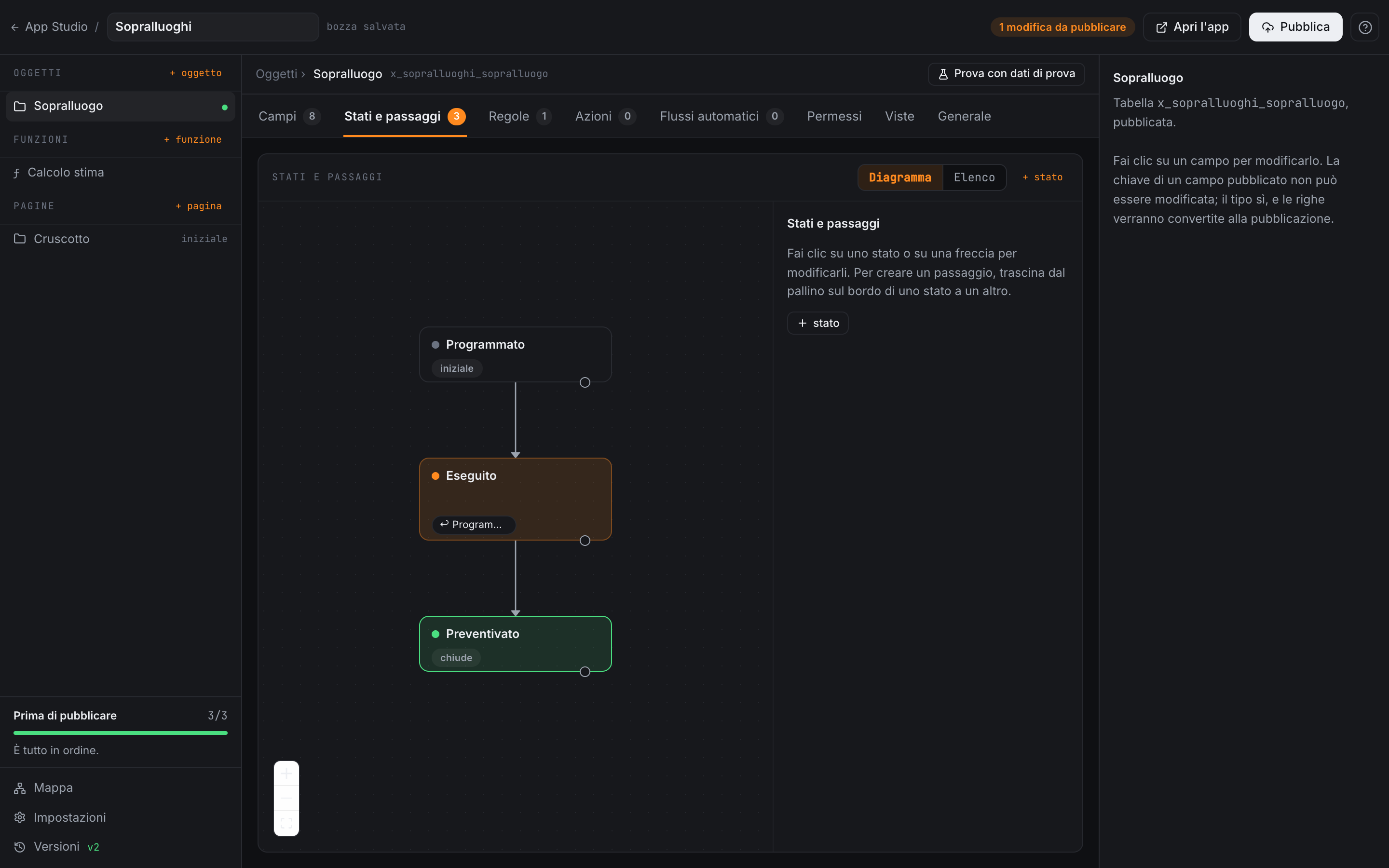
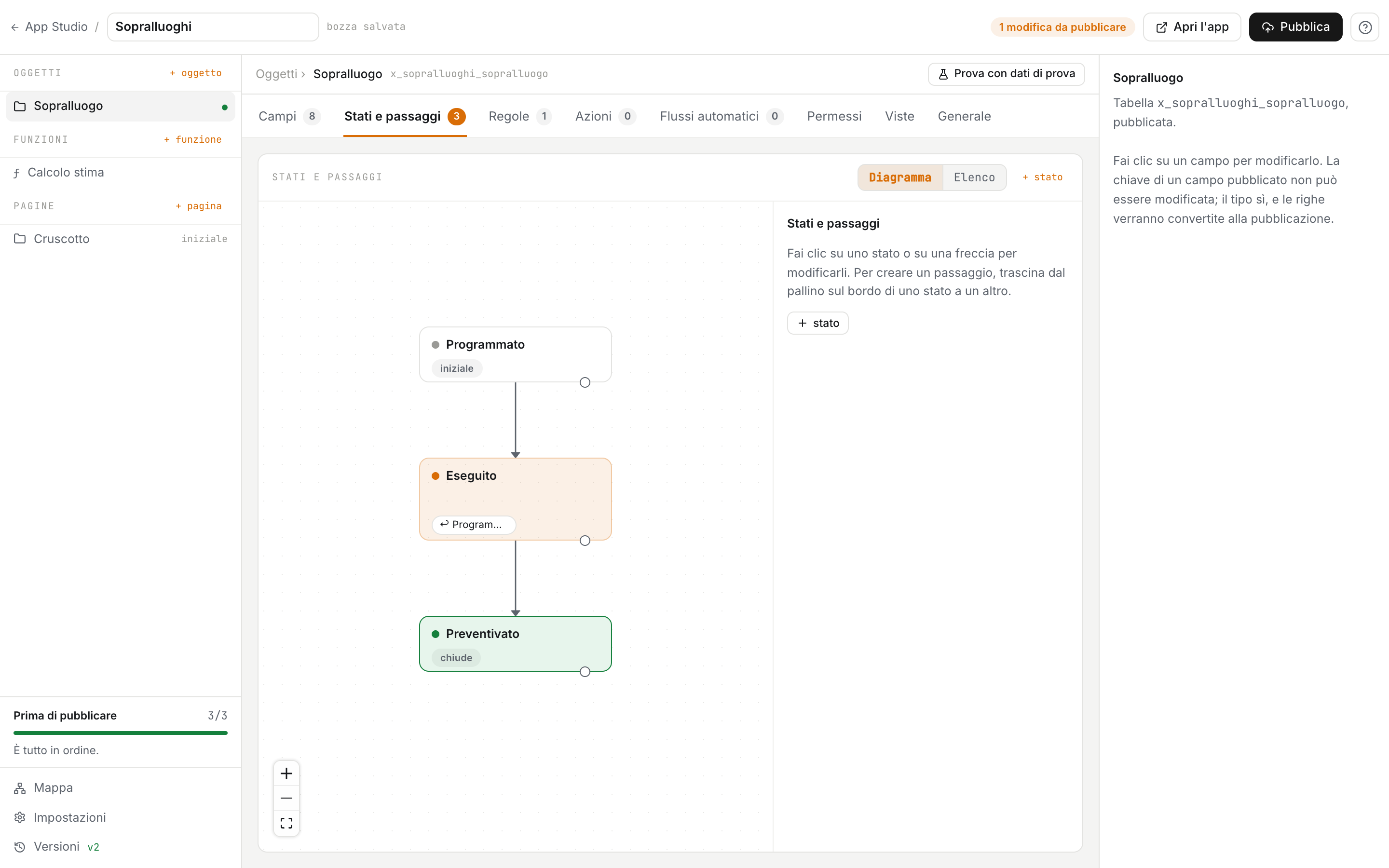
- You work in a draft and try it with test data. People using the app see changes only when you publish them.
- Every publication is a version, and you can go back to an earlier one.
- An app uses the workspace’s roles and permissions. To work with the modules, such as the billing queue, it needs access granted by the administrator.
- An app can be exported and installed in another workspace as a package.
What it does today, and what is coming.
Today an app reads and links Hakubase records and puts lines in the billing queue. Coming next are the actions that create draft quotes, orders and delivery notes, log hours on projects and create clients and contacts.
You can open a trial workspace on your own, or write to us and we will show it to you starting from the problem you have.
No newsletter. We only write to set up the demo.